How it works
A few minutes on payday keeps the plan honest.
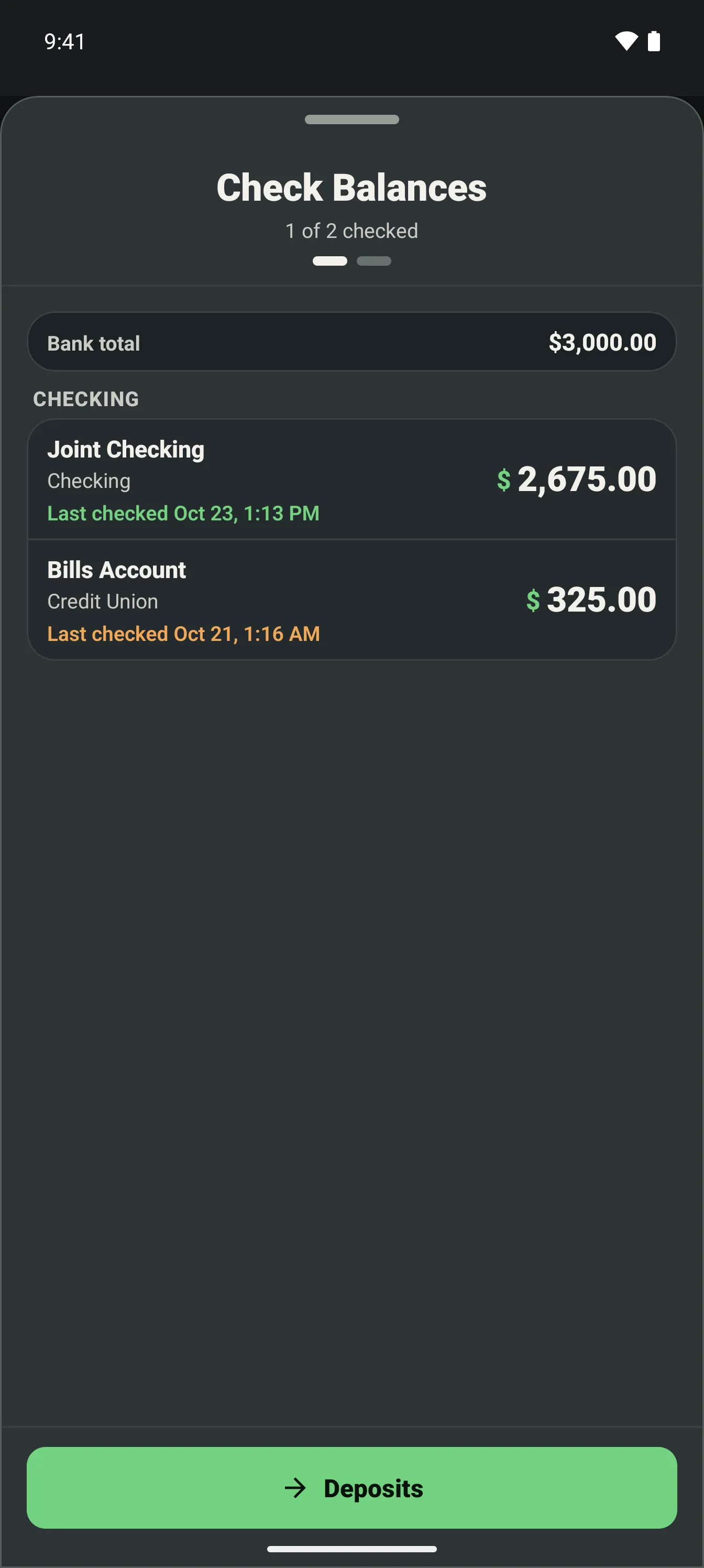
Check balances
Type in what the bank shows. It takes a minute.
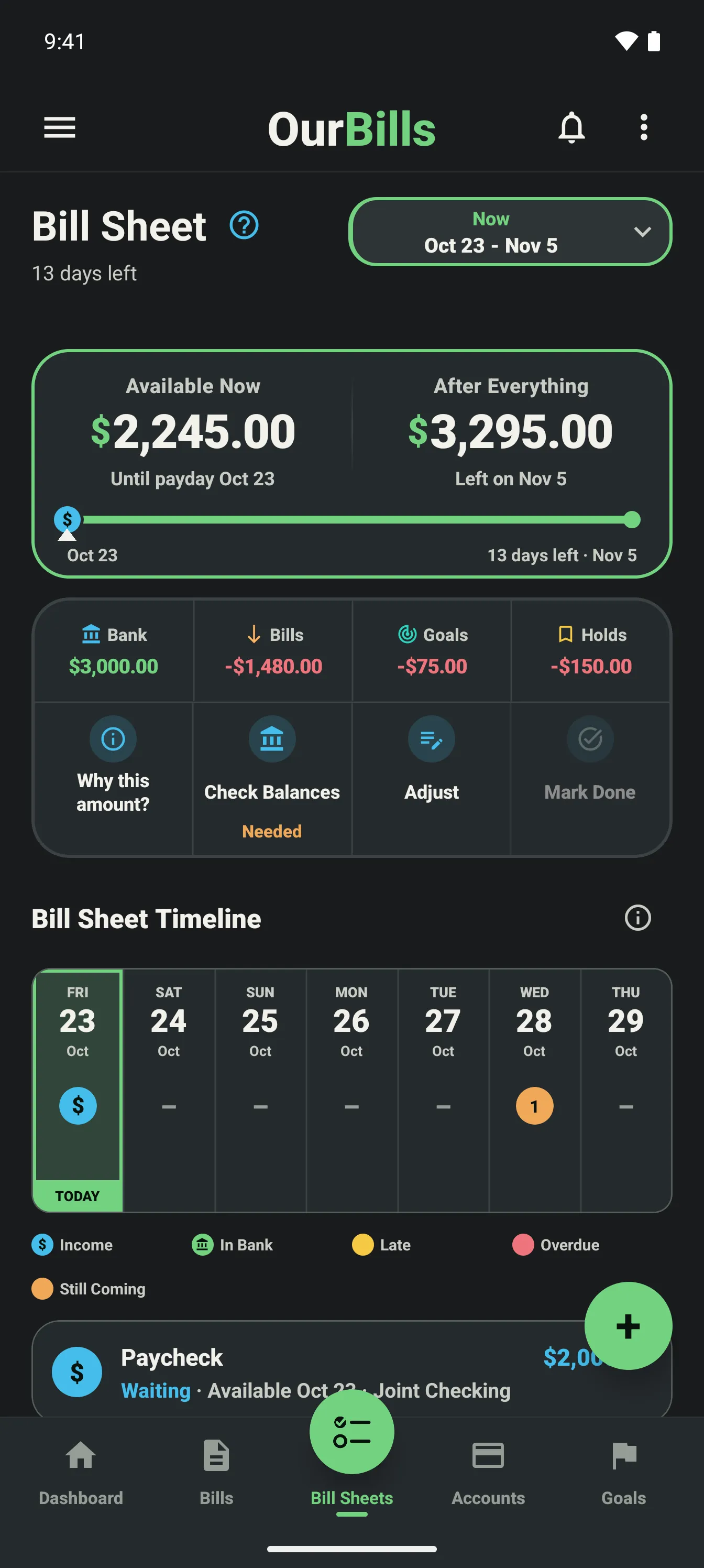
Open the Bill Sheet
See Available Now and After Everything for this payday.
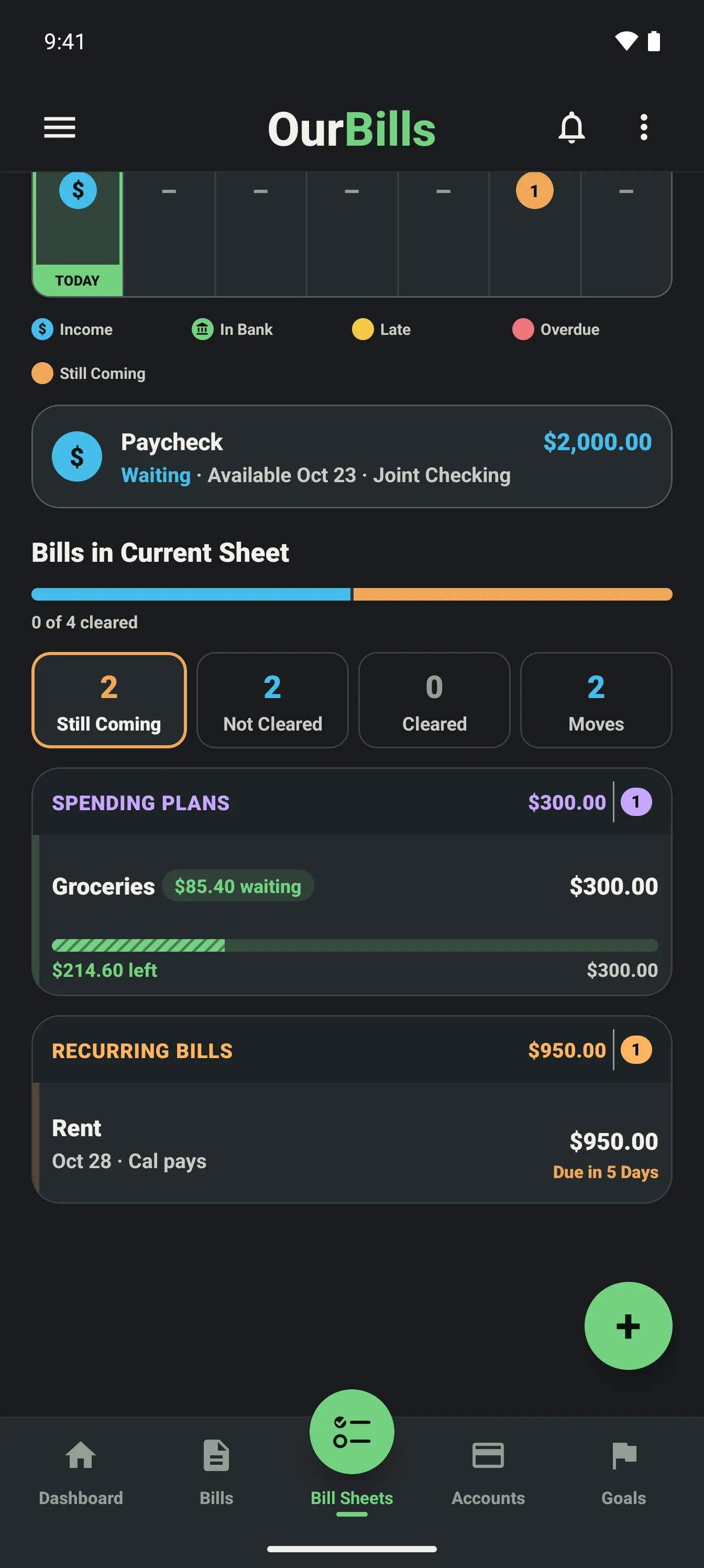
Mark bills paid
Swipe a bill to Not Cleared when you pay it, then to Cleared once it shows in your bank.
Look ahead
Spot a tight payday early and move a bill's payment, not its due date.
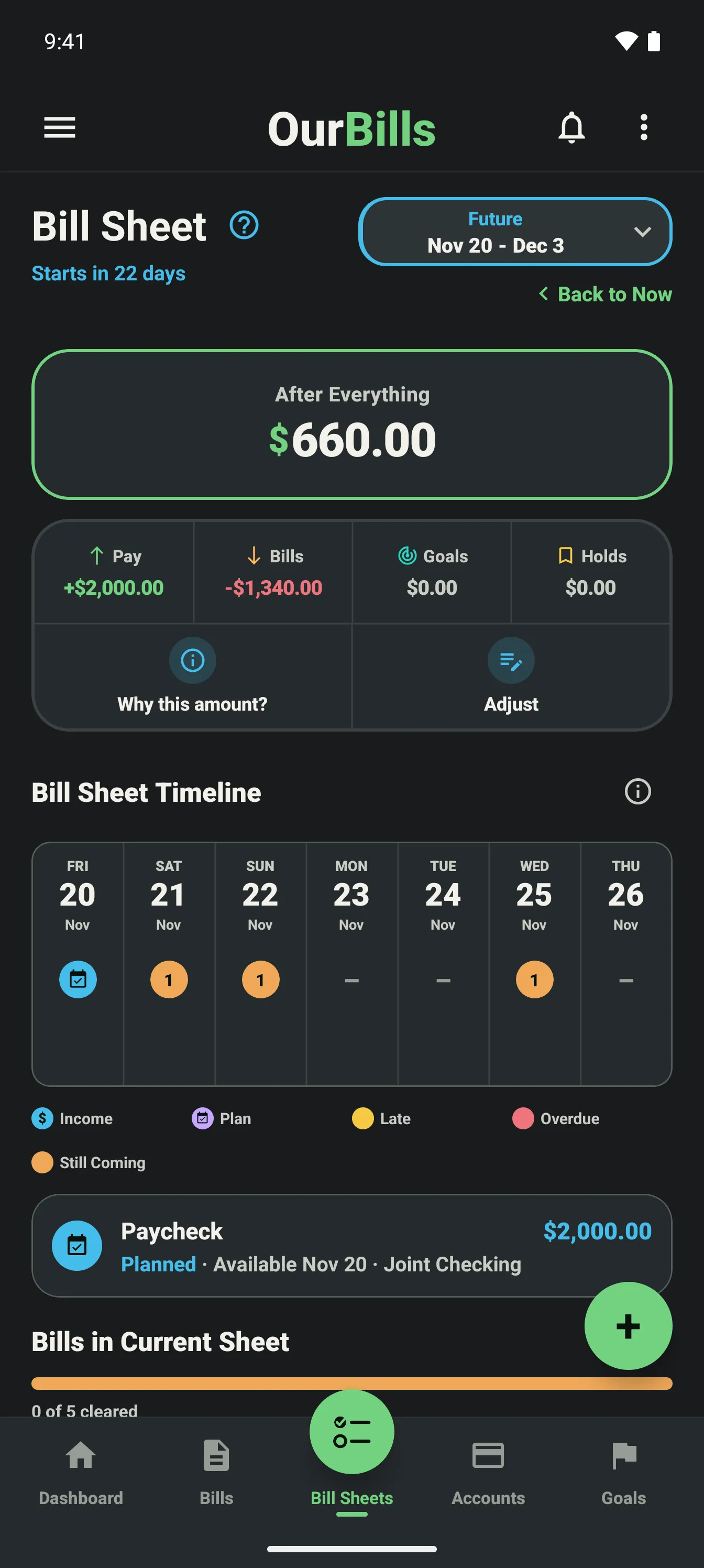
Why this amount?
Every number shows its math.
Tap the amount on any Bill Sheet. You get one list in date order: your bank balance, each paycheck as it lands, and each bill as it comes due.
Still Coming
Still due. It subtracts.
Not Cleared
Paid, not in the bank yet. It subtracts.
Cleared
Already in your balance. Not counted again.
Available Now
$577.35
After Everything
$867.80
Bank now$2,212.35
Oct 16 · Phone−$85.00
Oct 18 · Rent−$1,450.00
Hold · School pictures−$100.00
Available Now · before the paycheck$577.35
Oct 24 · Paycheck+$1,846.20
Oct 25 – 28 · 4 bills−$1,405.75
Goal · Beach week−$150.00
Sample household with example numbers.
Try it on your next payday.
Free on iPhone and Android.