1See pressure before it becomes urgent
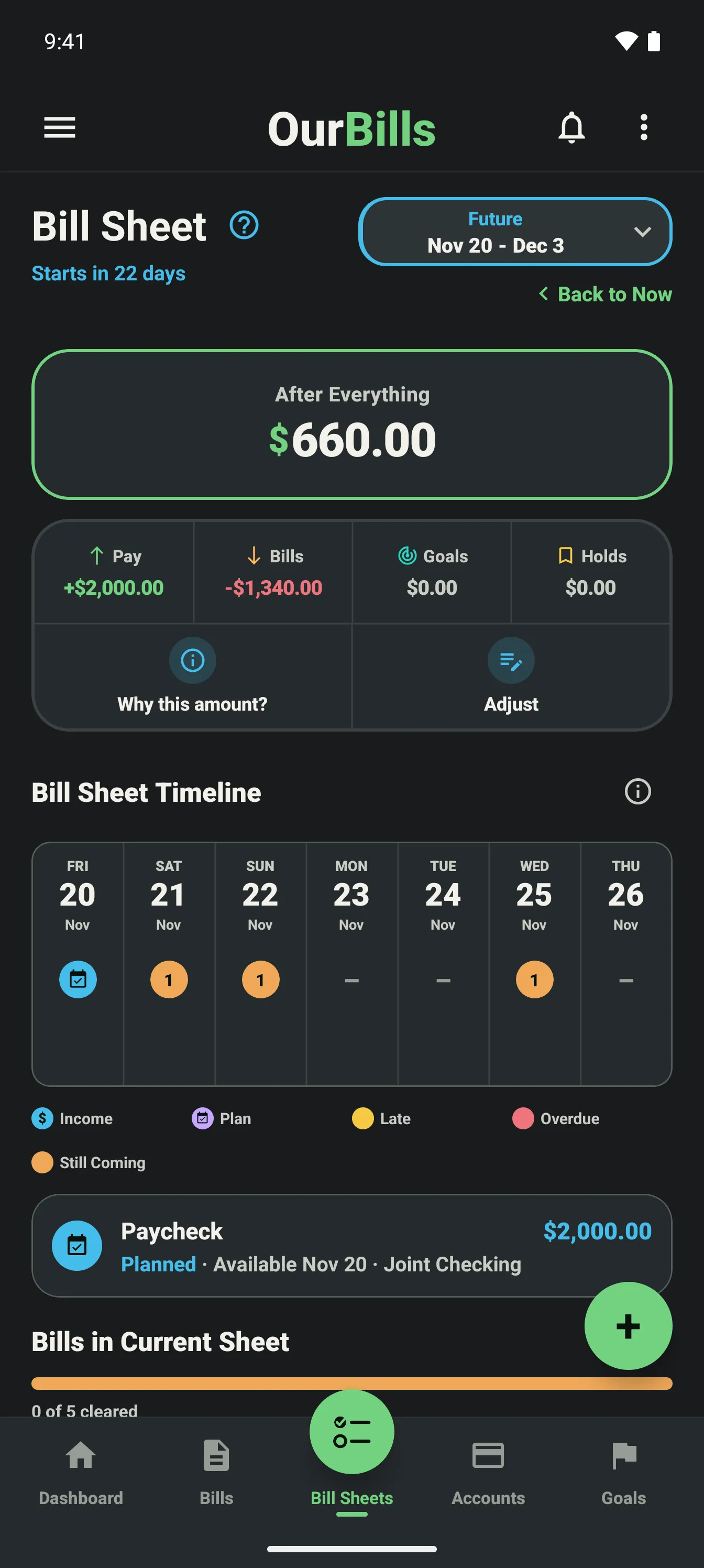
Future Bill Sheets make uneven bill timing visible. You can see which planning range carries a heavier load and prepare before it becomes the current sheet. Turn on Carry over what’s left to start each sheet with what the one before should leave.
2Early pay shows up early
When a paycheck lands before payday, the next Bill Sheet can start early so its bills can be paid now. You decide how much of that paycheck, if any, the current sheet uses.
3Plans remain intentional
Suggested timing can use a bill’s flexibility information, but OurBills never silently moves a due date or payment plan.