
Track bills your way
Use Card or List view for everyday upkeep, Schedule for a calendar of due dates, By Type to group recurring bills, Spending Plans, and one-time bills, or Monthly for the whole month.
Trusted obligations
Keep track of bills in Card or List view, open Schedule, By Type, or Monthly for a different angle, then add bills one at a time, in a quick grid, or from a spreadsheet.


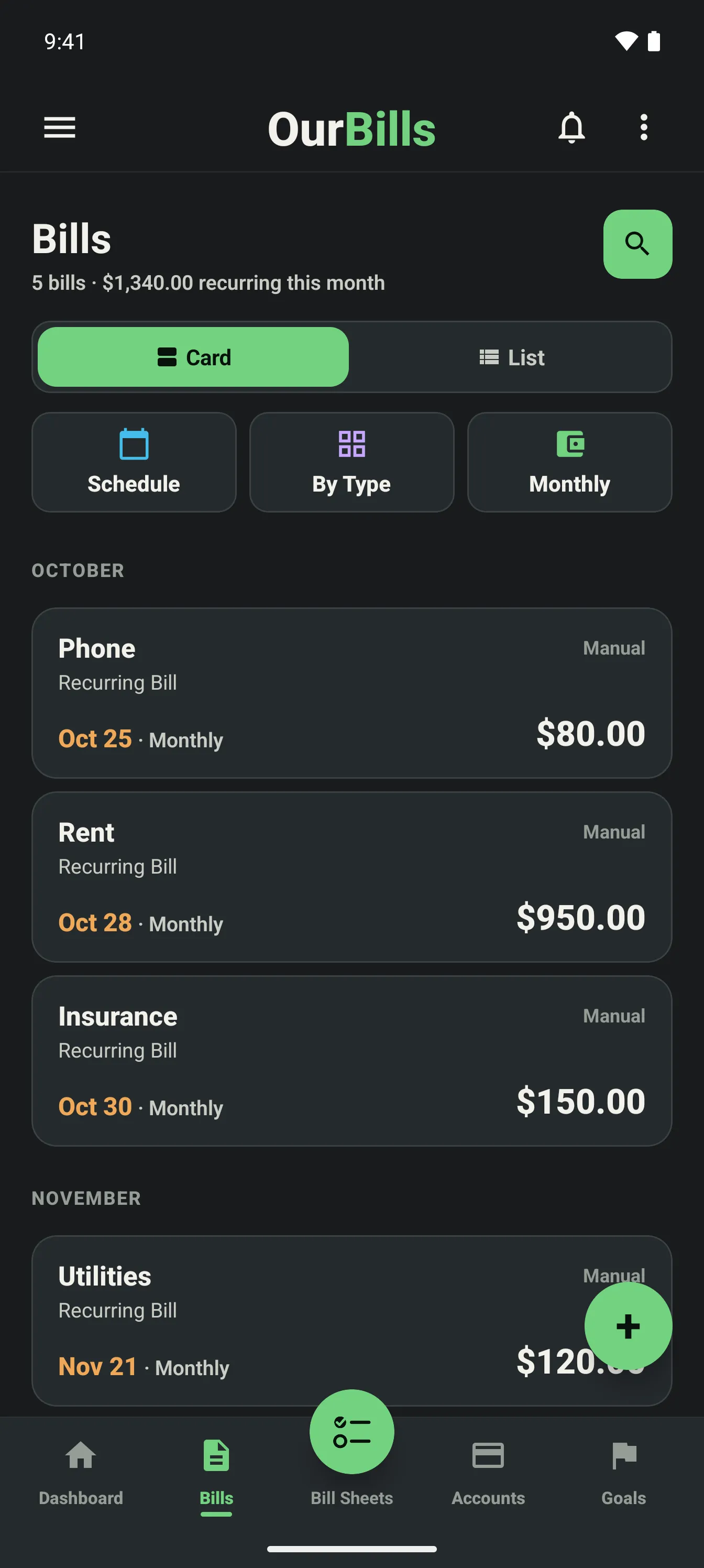
Use Card or List view for everyday upkeep, Schedule for a calendar of due dates, By Type to group recurring bills, Spending Plans, and one-time bills, or Monthly for the whole month.
Import CSV or Excel files with guided header detection, field mapping, preview, validation, and duplicate handling before anything is saved.
Create one bill, use Quick Add for several bills in a compact grid, or add a one-time bill or Spending Plan from the same Add Bill menu.
Start on Basic. Upgrade to Plus in the app anytime.