You control the starting point
Pick the accounts that pay your bills. Credit cards, loans, and any account you leave out sit in a separate Not in Accounts Total tray, so they stay tracked without counting as money to spend.
Reviewed balances
OurBills starts from balances you trust. No bank login: you type in what the bank shows, and the app keeps track of when you last checked.

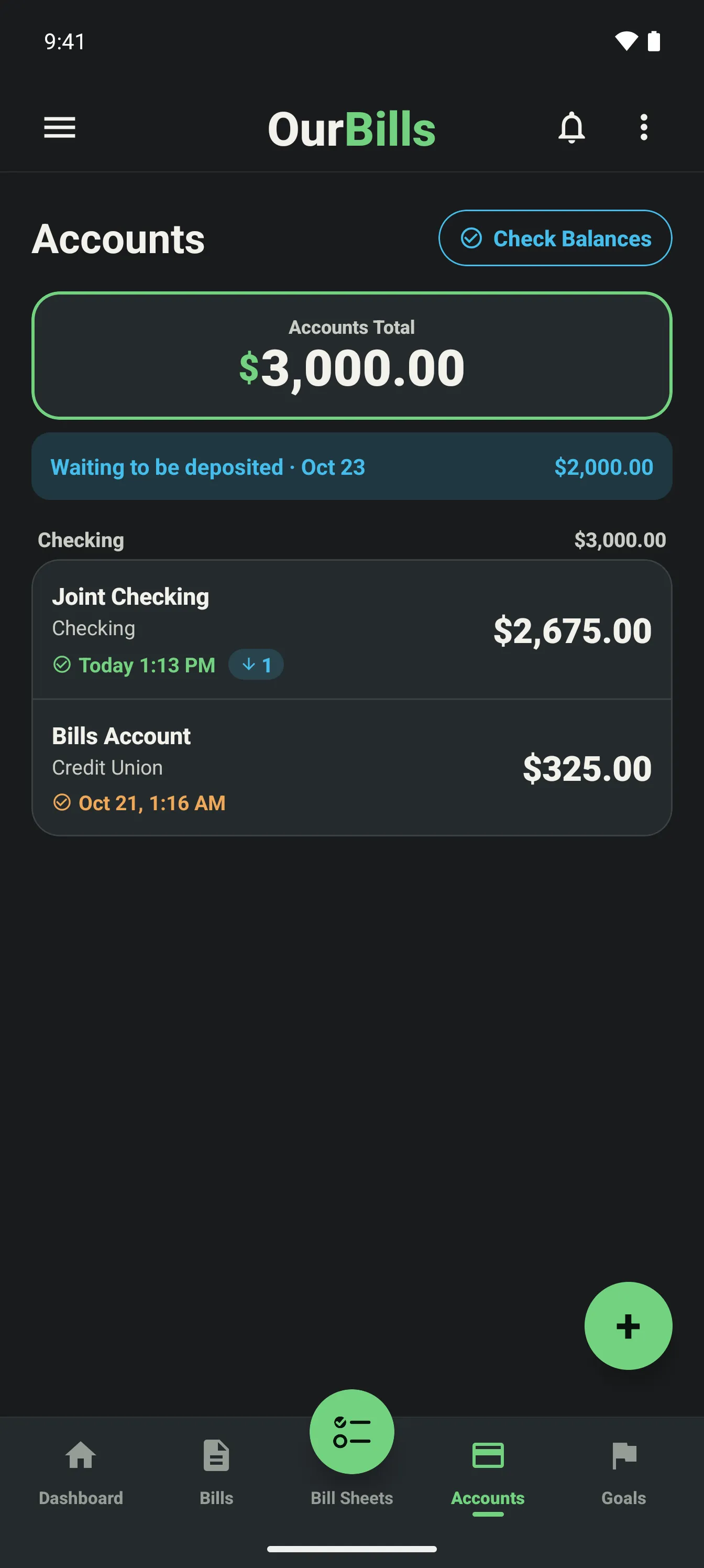
Pick the accounts that pay your bills. Credit cards, loans, and any account you leave out sit in a separate Not in Accounts Total tray, so they stay tracked without counting as money to spend.
Expected income follows the date the money becomes usable while reviewed balances keep the plan anchored to the account today.
As account activity clears and balances are reviewed, the Bill Sheet reflects the household’s latest starting point.
Start on Basic. Upgrade to Plus in the app anytime.